Set Up A Robot Vacuum Schedule: Easy Guide 2026
To set up a robot vacuum schedule, access your robot's app, choose the settings, and define your preferred cleaning times.
A robot vacuum can be a valuable asset in maintaining a clean home, offering convenience and efficiency. By setting up an appropriate cleaning schedule, you can ensure that your robot vacuum operates at optimal times without interfering with your daily routine. This guide will delve into the steps necessary to create an effective cleaning schedule, providing practical advice and insights from personal experiences.
Understanding Your Robot Vacuum
Before diving into scheduling, it’s crucial to become familiar with your robot vacuum's features and capabilities. Most models come with a dedicated app, offering a range of customizable settings:
- Cleaning Modes: These may include options like "Standard," "Eco," and "Turbo."
- Mapping Technology: Some vacuums can map your home's layout, allowing for efficient cleaning.
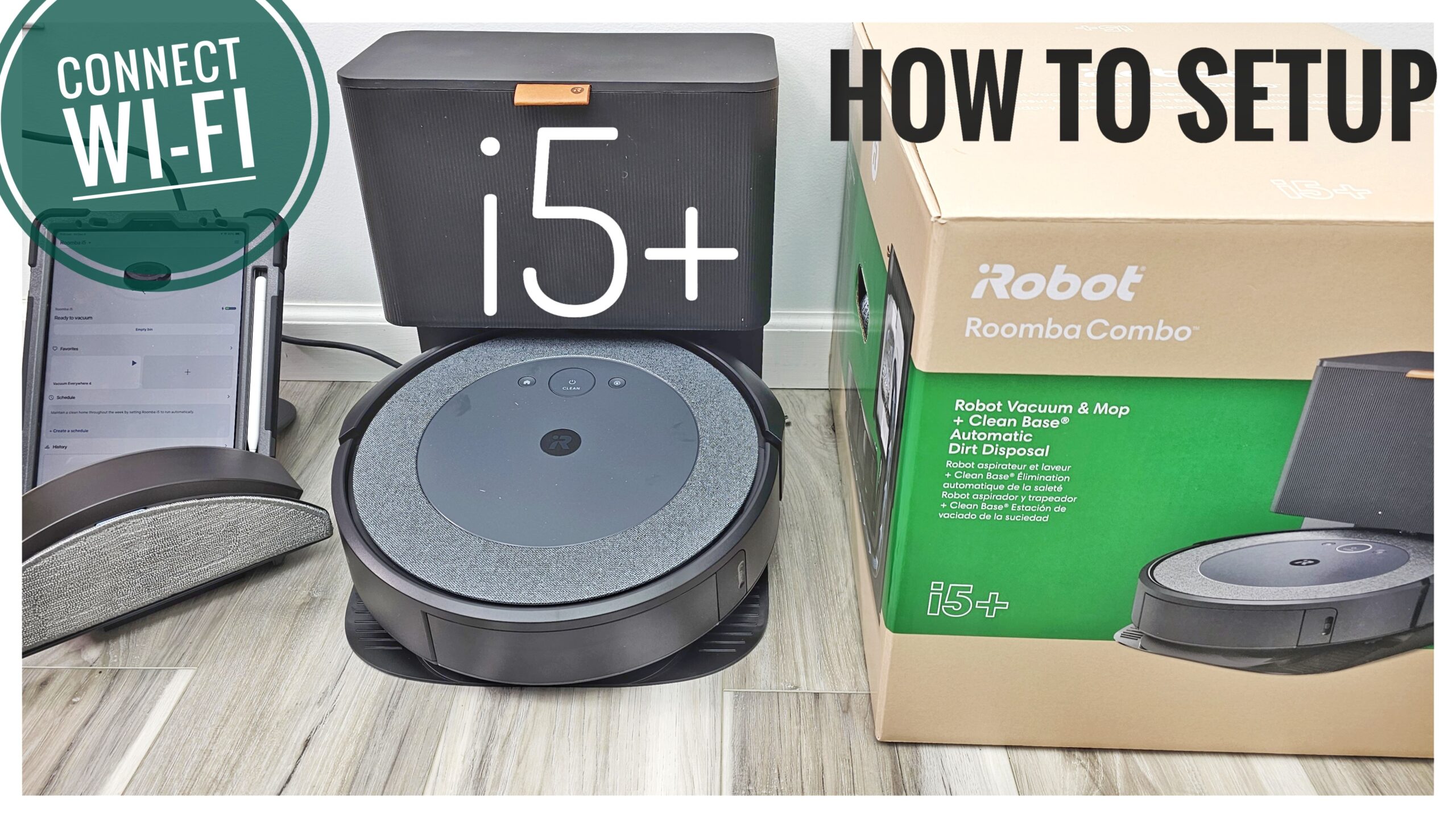
- Connectivity: Ensure your vacuum is connected to Wi-Fi for seamless scheduling through the app.
- Battery Life: Understand the battery capacity to schedule accordingly without overburdening the device.
Setting Up Your Schedule
Determine Your Needs
- Assess Your Lifestyle: Consider when you’re usually away from home or least active.
- Frequency of Cleaning: Decide how often certain areas need cleaning based on usage and foot traffic.
Using the App
- Download and Install the App: Available on iOS and Android.
- Pair Your Robot: Follow instructions to connect the device via Wi-Fi.
- Access the Scheduling Feature: Navigate to the scheduling section in the app.
Creating Your Schedule
- Select Days and Times: Choose specific days and times tailored to your routine.
- Define Cleaning Zones: If your vacuum has mapping capabilities, designate specific areas or rooms for cleaning.
- Adjust Settings: Modify cleaning modes based on the time of day (e.g., quiet mode during nighttime).
Example Schedule
Here's an example based on a typical weekly routine:
- Monday, Wednesday, Friday: 10:00 AM – Living Room, Kitchen
- Saturday: 9:00 AM – Bedrooms
- Sunday: 11:00 AM – Entire House
Tips and Tricks
- Consider Pet Schedules: If you have pets, coordinate cleaning times to minimize disruption.
- Observe Initial Runs: Monitor the vacuum during early schedules to ensure it covers all intended areas effectively.
- Routine Adjustments: Don't hesitate to tweak the schedule based on changing needs or new observations.
Common Mistakes to Avoid
- Over-Scheduling: Avoid setting the vacuum to work too frequently as it may reduce battery life and efficiency.
- Ignoring Maintenance: Regularly check for obstructions and empty the dustbin to maintain performance.
- Assuming One-Size-Fits-All: Tailor the schedule to specific rooms as needed, rather than one generic setting.
Frequently Asked Questions of how to set up a robot vacuum schedule
How do I schedule my robot vacuum?
Access the manufacturer's app, navigate to the scheduling section, and select your preferred days and times for cleaning. Customize based on personal needs.
Can I schedule different cleaning modes?
Yes, many robot vacuums offer multiple cleaning modes. You can set different modes for various times and areas, like "Eco" mode for nighttime.
How often should I schedule my robot vacuum to clean?
This depends on room usage and foot traffic. Generally, 2–3 times a week for high-traffic areas is sufficient.
Can I change the schedule remotely?
Yes, with an app-connected vacuum, you can update the schedule from anywhere via your smartphone.
Does the schedule affect battery life?
Frequent scheduling may wear down the battery faster. Opt for efficient scheduling to prolong battery life and performance.
Conclusion
Setting up a robot vacuum schedule is a straightforward process that maximizes efficiency and convenience. By customizing the cleaning to fit your lifestyle, you ensure that your home remains tidy without unnecessary hassle. Take advantage of the technology at your fingertips, and let your robot vacuum handle the cleaning. Dive deeper into exploring more innovative home solutions, and feel free to share your experiences in the comments!